
Three.js Camera and Controls Examples
The camera decides how people experience a 3D scene. These demos cover the main ways to move one in three.js: OrbitControls for inspecting an object, first-person WASD and mouse-look controls for exploring a space, and cinematic tricks like the dolly zoom that changes field of view while the camera moves.
There are also stereoscopic examples that render the scene twice from offset eyes, the basis of anaglyph 3D and VR headsets. Each page explains the maths behind projection, field of view and camera movement, with code you can drop into your own project.
Most viewed in camera controls
All camera controls demos
5 Demos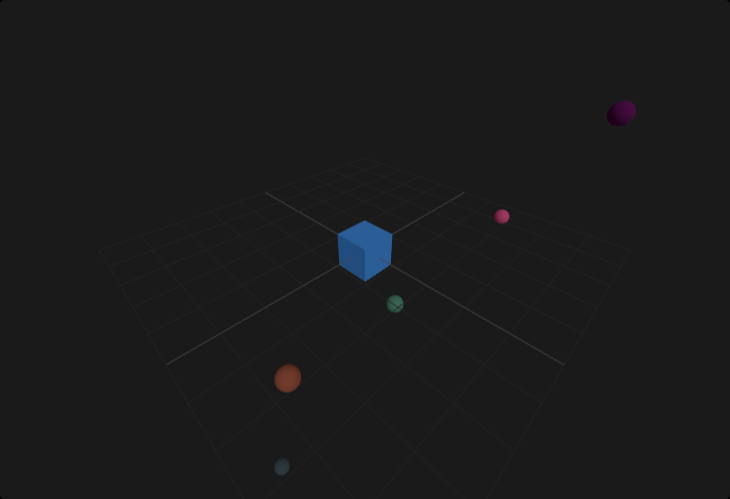
Three.js Orbit Controls Playground Demo
Interactive Three.js OrbitControls camera playground covering damping, auto-rotation, zoom limits, and polar-angle constraints for smooth navigation in real-world scenes.
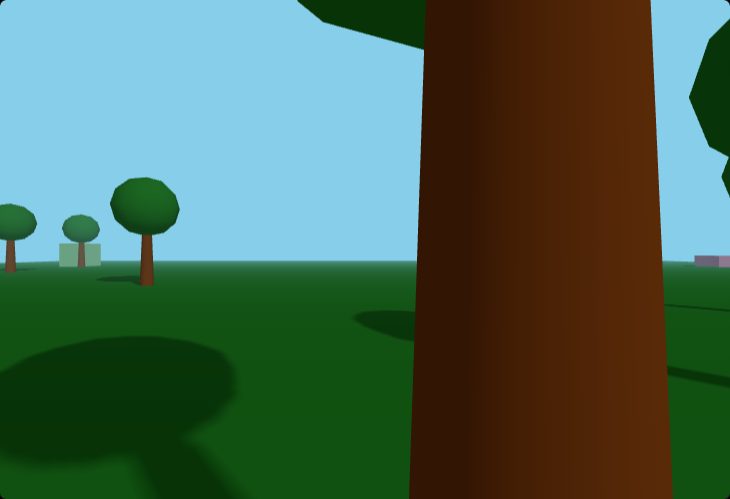
Three.js First-Person Camera (WASD + Mouse)
Three.js first-person camera controller with WASD movement, pointer lock mouse look, and collision boundaries for immersive FPS-style navigation in browser scenes.
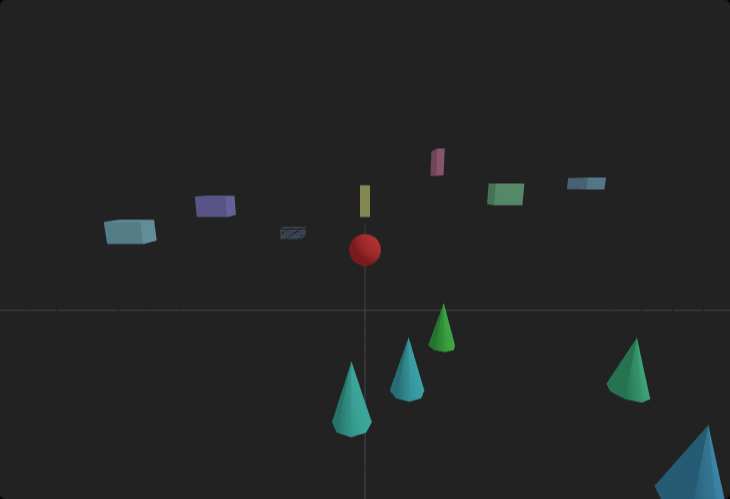
Dolly Zoom (Vertigo Effect)
Camera technique that changes FOV while adjusting distance to maintain object size.
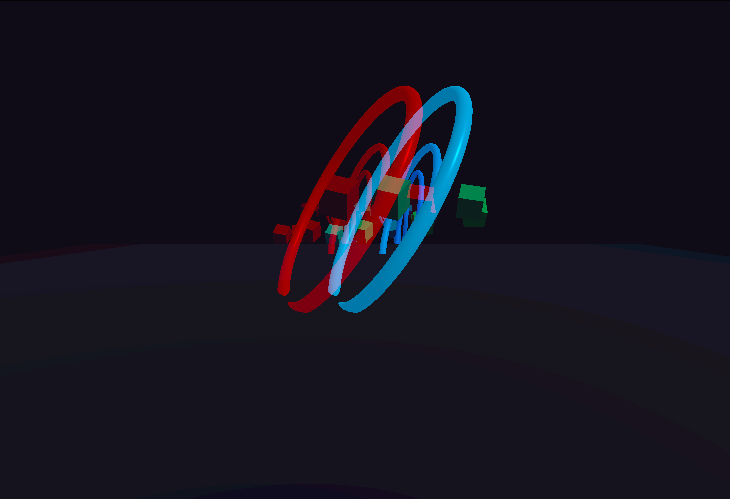
Advanced Anaglyph Stereo Techniques (r183)
Red-cyan stereoscopic demo using `AnaglyphEffect` with configurable depth presets to compare subtle, balanced, and deep parallax setups.
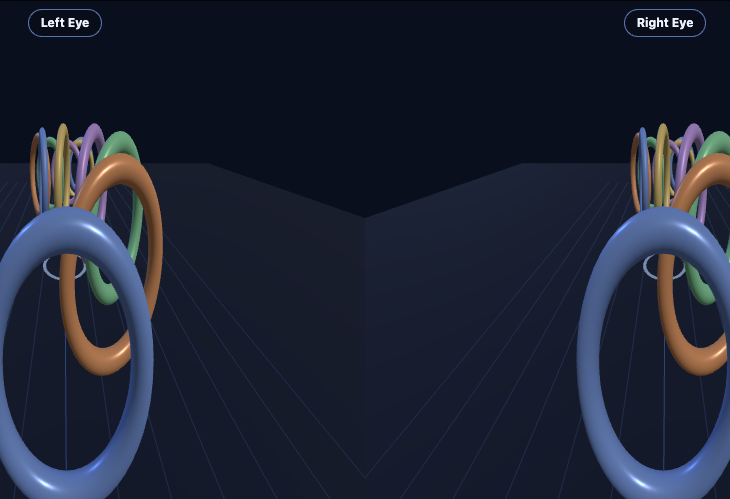
Stereo Rig Sandbox (r183 roadmap)
Side-by-side stereoscopic camera rig playground with eye-separation and convergence controls for tuning parallax comfort and depth intensity.