
Advanced WebXR Examples in Three.js
These demos go deeper into the WebXR API for production-quality AR and VR. They cover hit testing and anchors for placing content on real surfaces, depth sensing so real objects can hide virtual ones, controller input profiles with haptic feedback, and hand physics for grabbing, throwing and poking.
Comfort and interface topics include locomotion vignettes and snap turning, world-locked, lazy-follow and head-locked UI panels, chroma-key mixed-reality compositing and shared anchors that align several devices. Each demo includes a desktop simulation, so you can try it without a headset.
Most viewed in webxr advanced
All webxr advanced demos
8 Demos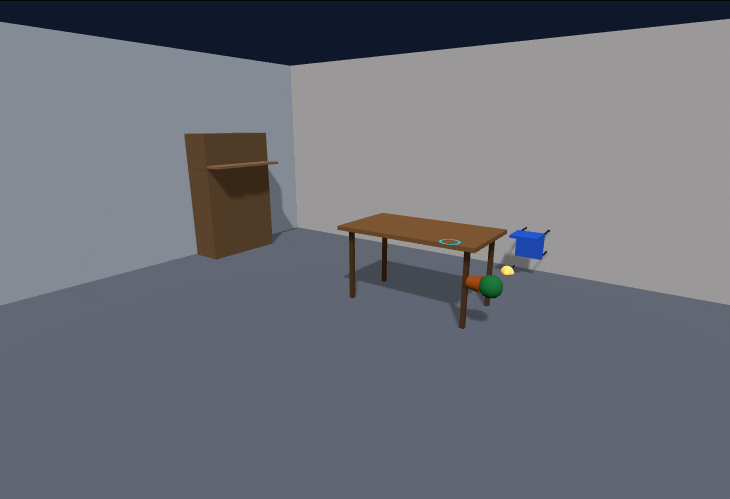
Three.js WebXR Hit Test & Anchors (AR Placement)
Place virtual objects on real surfaces with WebXR in Three.js, using a hit-test source for the reticle and anchors that stay locked to the world, with a desktop simulation that raycasts a room and adds tracking drift to show why anchors matter.
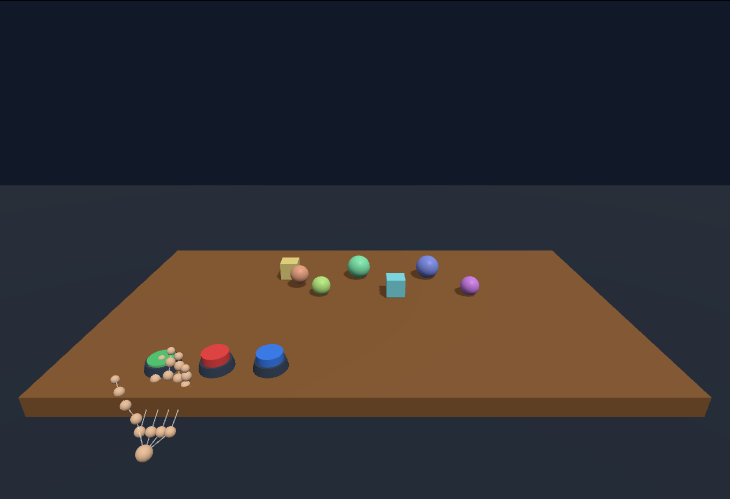
Three.js WebXR Hand Physics (Grab, Throw, Poke)
Natural hand interactions in Three.js, where you pinch to grab objects, release to throw with the measured hand velocity and poke physical buttons with your fingertip, using a small impulse-based sphere physics engine, real XR hands in VR or a mouse-driven hand on desktop.
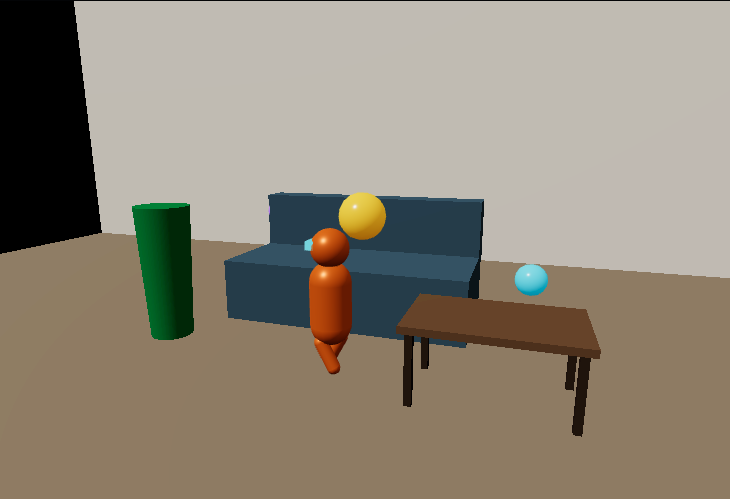
Three.js AR Depth Occlusion (Passthrough Depth Sensing)
Depth-based occlusion for passthrough AR in Three.js, where a virtual robot walks behind real furniture as every virtual fragment is tested against a real-world depth map, with soft edges, adjustable depth resolution and noise to show real-sensor artefacts.
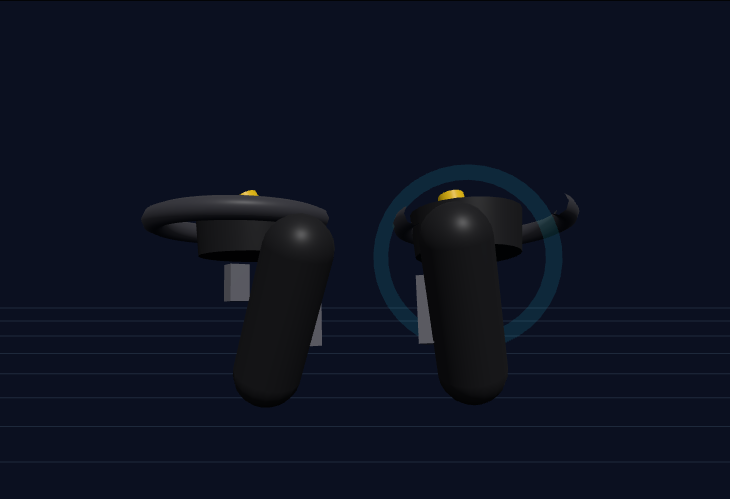
Three.js WebXR Controllers (Input Profiles & Haptics)
XR controller input in Three.js with procedural models whose trigger, grip, thumbstick and face buttons move with the xr-standard gamepad mapping, haptic pulses on trigger press, and input from real XR controllers, any connected gamepad, the keyboard or an auto demo.
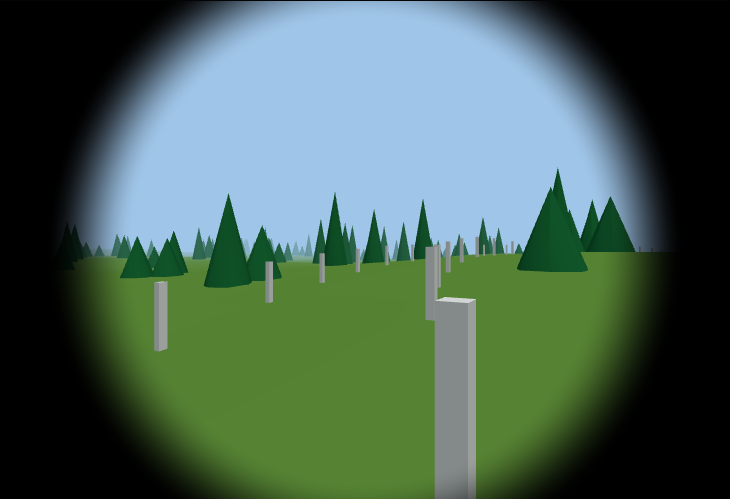
Three.js VR Locomotion & Comfort (Vignette, Snap Turn)
Comfortable smooth locomotion for VR in Three.js, with head- or body-directed movement, snap or smooth turning, ramped acceleration and a dynamic comfort vignette that narrows the field of view with linear and angular speed, working with thumbsticks or the keyboard.
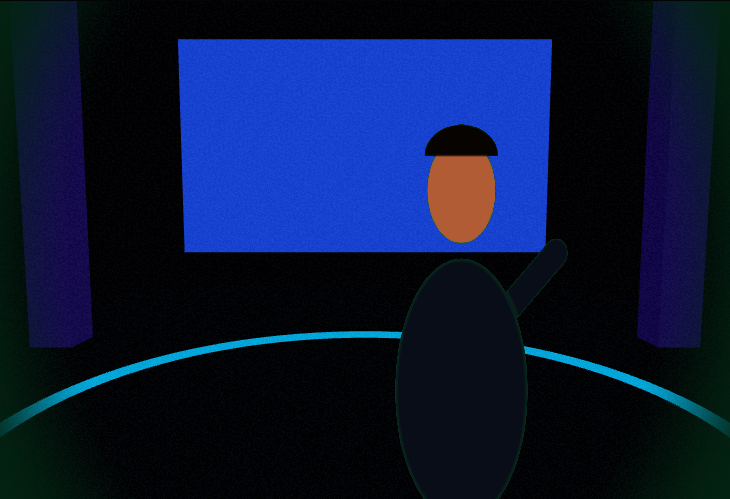
Three.js Mixed Reality Compositor (Chroma Key & Camera Feed)
A mixed-reality video compositor in Three.js, with YCbCr chroma keying, spill suppression and a key matte view for green-screen actors in a virtual set, or virtual objects over a camera plate, colour-matched for exposure, white balance and grain, using a synthetic camera or your webcam.
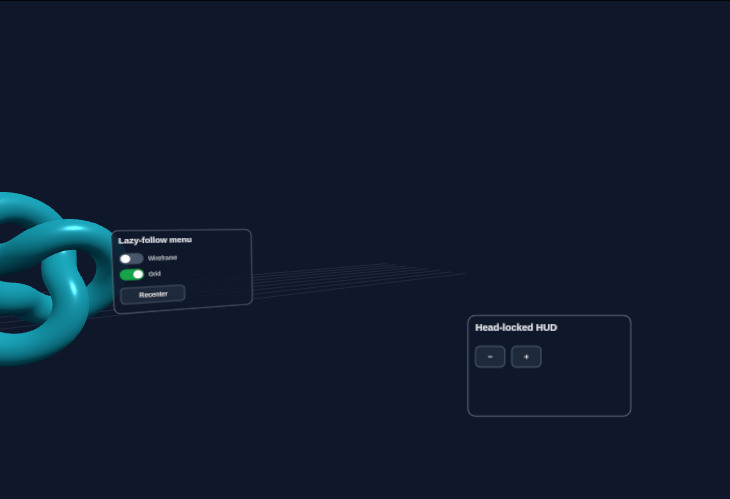
Three.js XR UI Panels (World-Locked, Lazy-Follow, Head-Locked)
Spatial UI for XR in Three.js, with canvas-drawn buttons, toggles and sliders on 3D panels hit-tested in UV space, and three placement strategies, world-locked, lazy-follow and head-locked, driven by a mouse pointer or an XR controller ray.
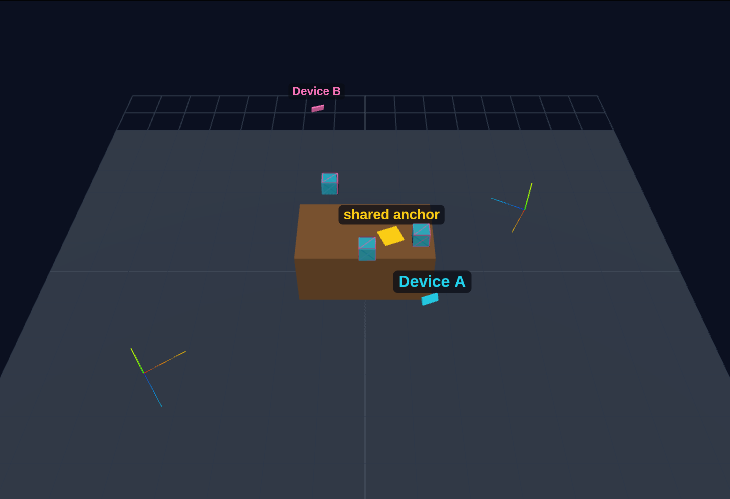
Three.js Shared Anchors (Multi-Device AR Alignment)
The idea behind shared or cloud anchors for multi-user AR in Three.js, where two devices track the same room in different local frames, a jointly observed anchor yields T_B←A = anchor_B · anchor_A⁻¹, and content placed by one appears correctly for the other despite drift and noise.