
Three.js Post-Processing Effects Examples
Post-processing applies effects to the finished image after the 3D scene is rendered, in the same way a photo filter or film grade does. In three.js this is done with EffectComposer, which chains passes such as bloom, depth of field and colour grading on top of the rendered frame.
These demos cover cinematic effects like motion blur, film grain, chromatic aberration and vignette, stylised looks like glitch and retro pipelines, and quality improvements such as FXAA, SMAA and screen-space reflections. Each one lets you tune the pass live and explains its cost per frame.
Most viewed in post-processing
All post-processing demos
11 Demos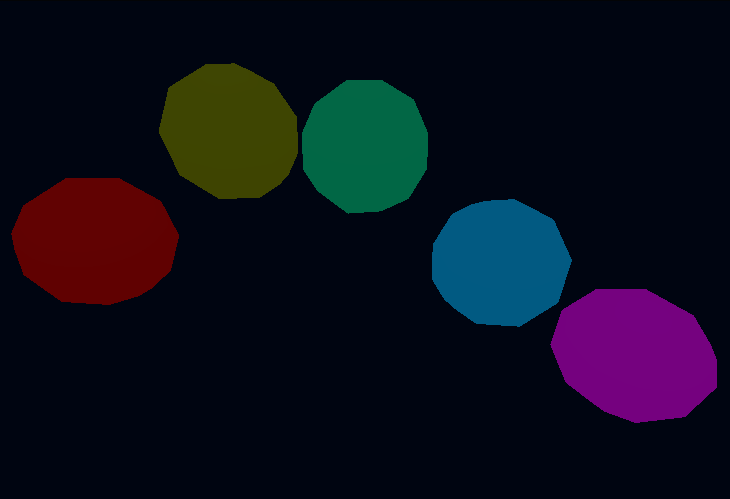
Bloom Glow
HDR bloom post-processing effect with threshold and intensity controls.
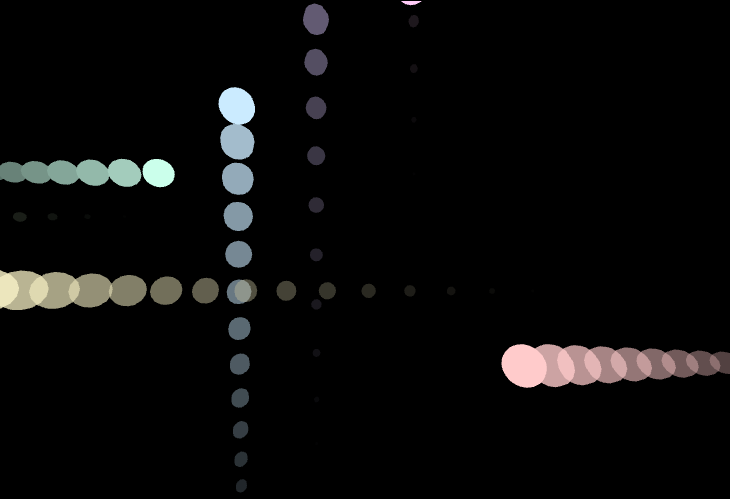
Motion Blur
Velocity-based blur trails created by blending current and previous frames with custom shader.
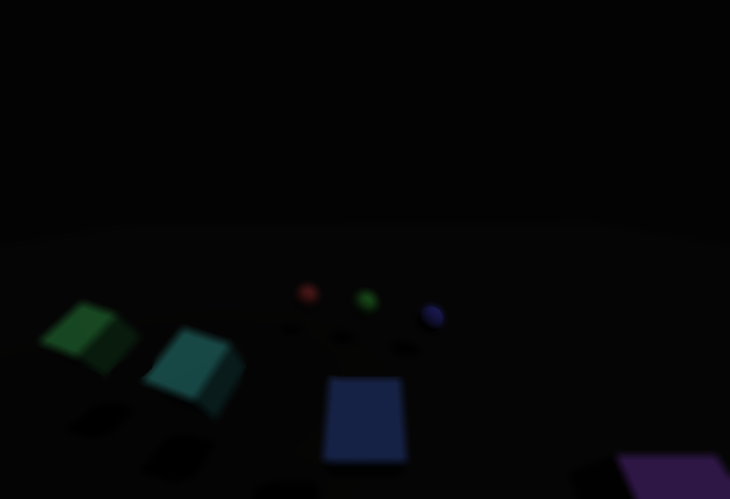
Depth of Field Focus
Bokeh depth of field pass with smooth auto-focus and click-to-focus controls across layered geometry.
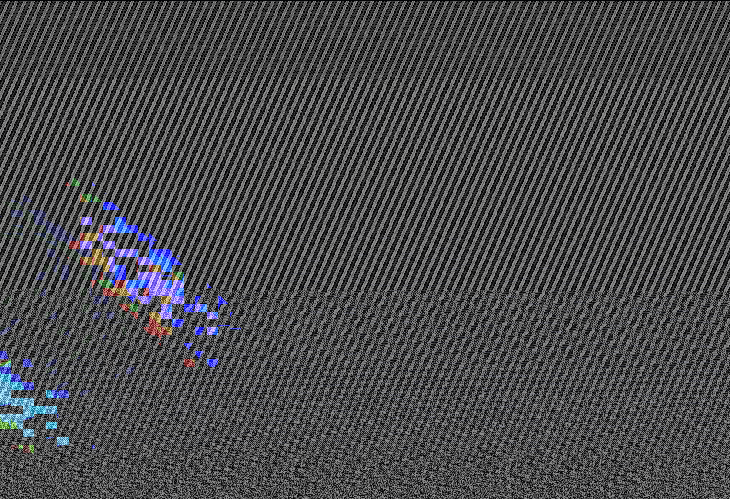
Glitch VFX Playground
Neon city scene routed through DigitalGlitch shader with burst, pulse, and wild distortion modes.

Film Grain Studio
Cinematic scene layered with animated film grain, scanlines, and color tint controlled through a custom shader.
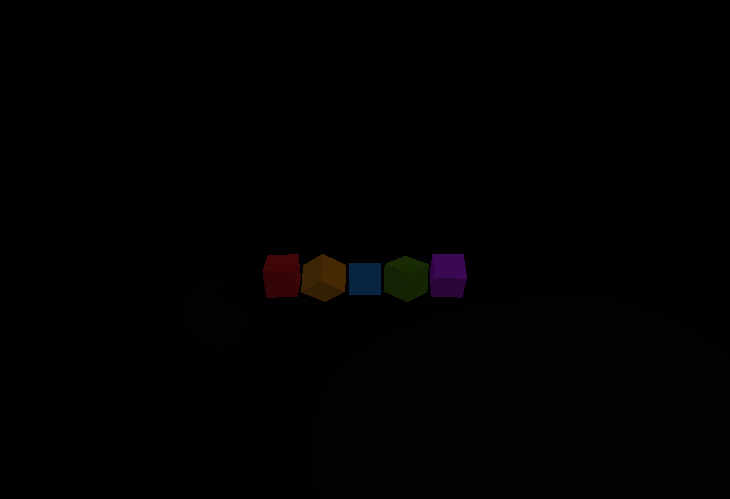
Color Grading Studio
Interactive slope-offset-power grading pipeline with exposure, saturation, and temperature controls.
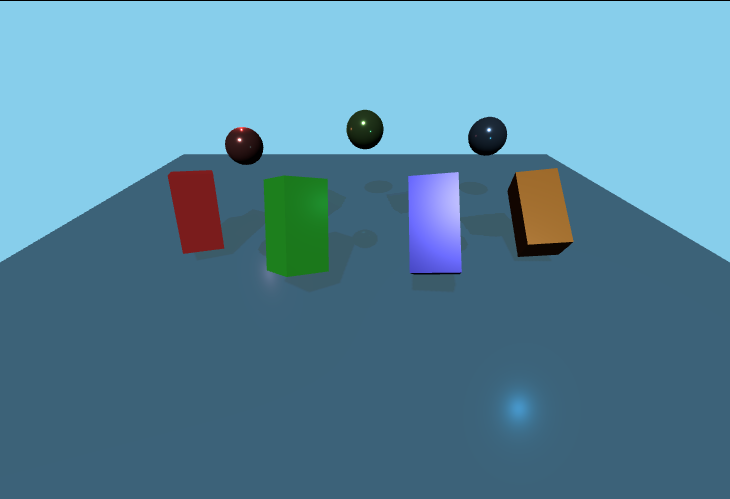
Screen Space Reflections
Real-time reflections using render targets to create realistic water surface reflections with interactive controls.
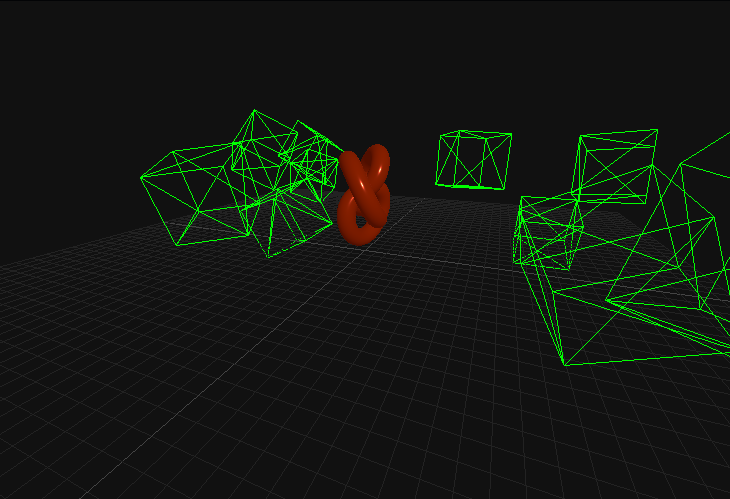
FXAA/SMAA Antialiasing
Advanced antialiasing techniques (FXAA and SMAA) to reduce jagged edges in post-processing.
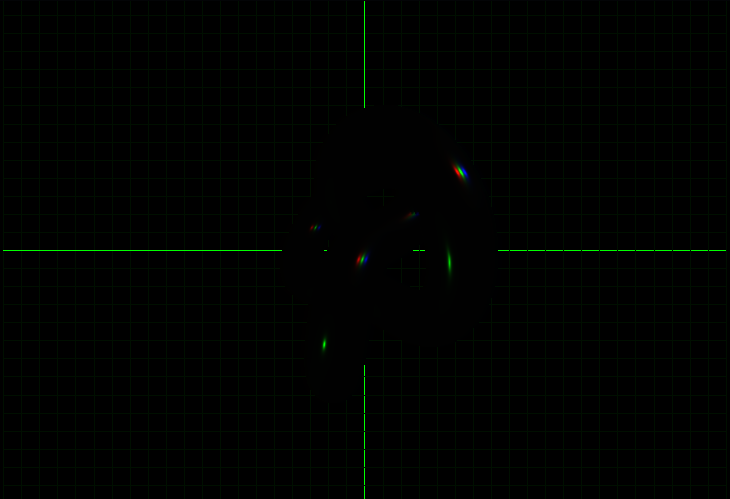
Chromatic Aberration
Simulate lens distortion effects where colors bleed at the edges of high-contrast objects.
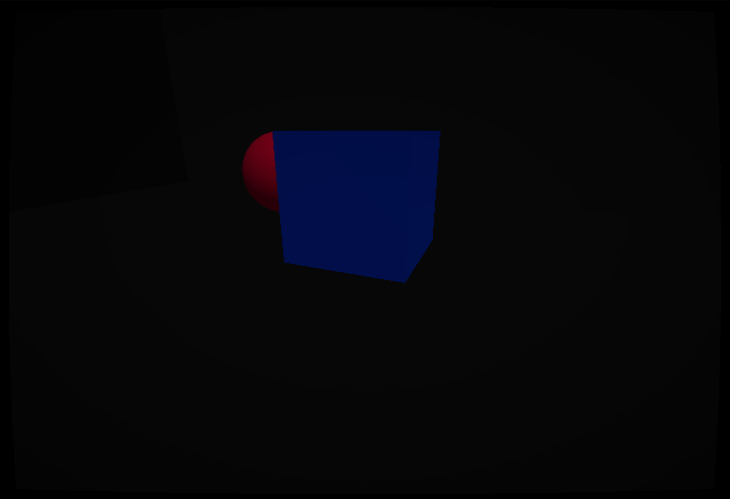
Vignette & Lens Distortion
Camera imperfections including dark edges (vignette) and radial lens warping.
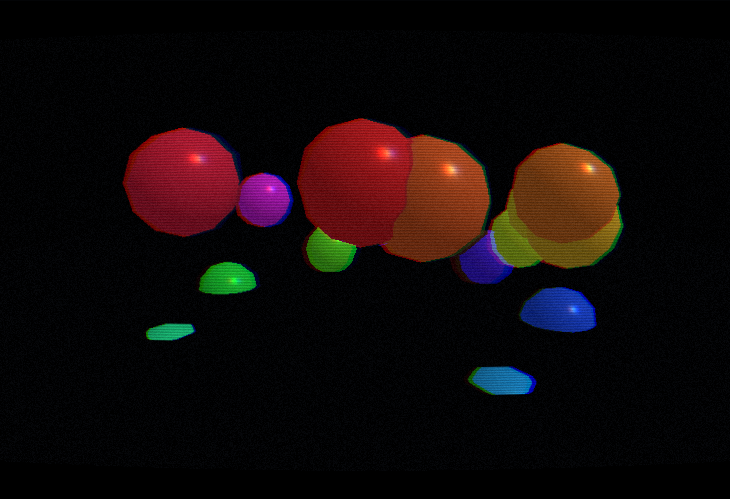
Retro Pass Pipeline (r183-inspired)
CRT-style post-processing chain built with `EffectComposer`, combining scanlines, barrel curvature, chromatic separation, grain, and vignette.