
Three.js Basics Examples for Beginners
Every three.js project is built from the same small set of parts: a scene that holds objects, a camera that decides what is seen, a renderer that draws it to a canvas, and an animation loop that updates and redraws every frame. These beginner demos introduce those parts one at a time, so you can see what each line of code changes.
Start with the rotating cube to learn the core setup, then move on to texture mapping, wireframes, helpers, shadows and instancing. Each page explains the code and includes a copy-paste JavaScript snippet you can use as a starting template for your own project.
Most viewed in basics
All basics demos
15 Demos
Rotating Cube in Three.js (Beginner Demo)
Beginner-friendly Three.js rotating cube example that teaches the core Scene, PerspectiveCamera, WebGLRenderer, mesh setup, and real-time animation loop used in most WebGL apps.
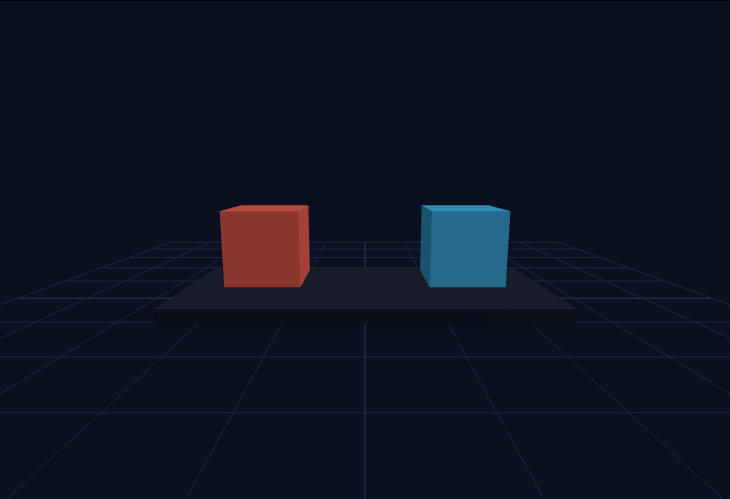
Three.js Timer vs Clock Delta Demo (r183)
Side-by-side demo showing why r183 recommends `THREE.Timer` for frame-delta reads, especially when multiple systems request timing in the same animation frame.
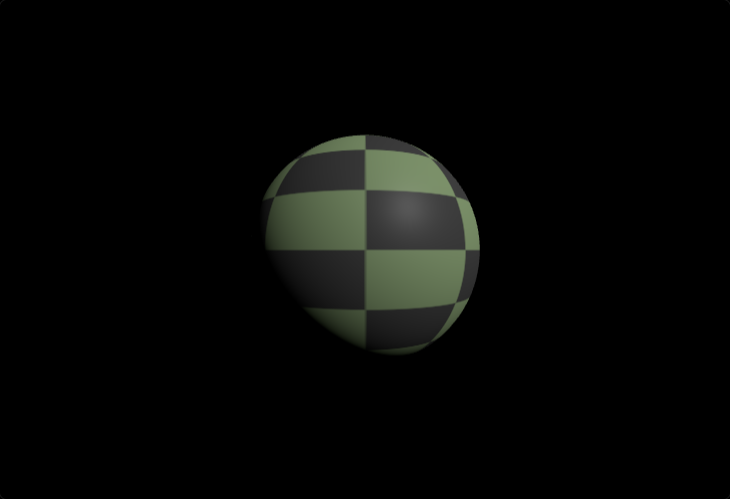
Three.js Sphere Texture Mapping Demo
Detailed Three.js sphere texture mapping demo using UV coordinates and procedural CanvasTexture generation. Shows texture wrapping modes, anisotropic filtering, and realistic material response on curved geometry.
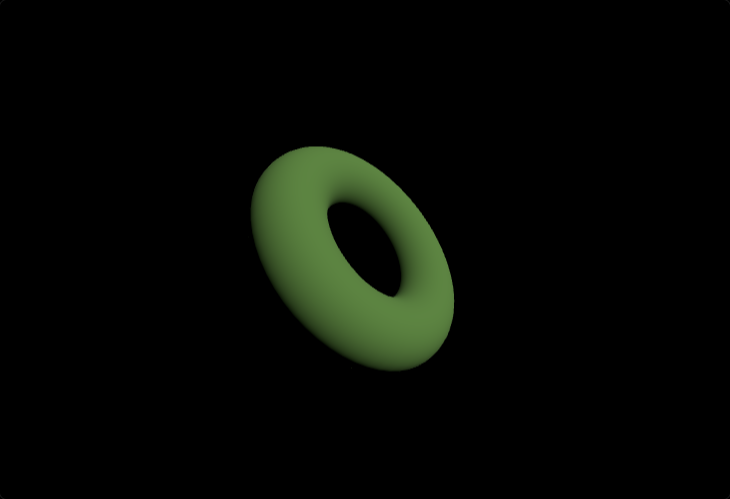
Three.js Wireframe Toggle (Torus Demo)
Interactive Three.js wireframe demo showing how to toggle `material.wireframe` on a torus mesh via keyboard and GUI controls to inspect topology and triangle flow.
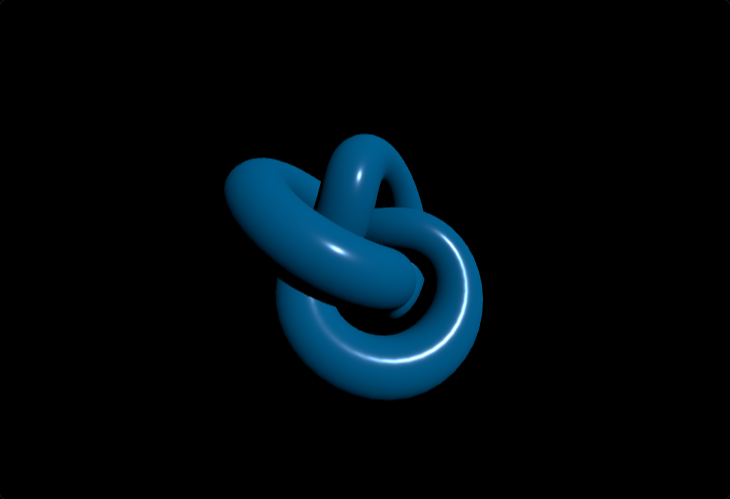
Three.js Torus Knot Geometry Demo
Interactive torus knot geometry demo showcasing Three.js TorusKnotGeometry with parametric generation, animation, and standard PBR material shading.
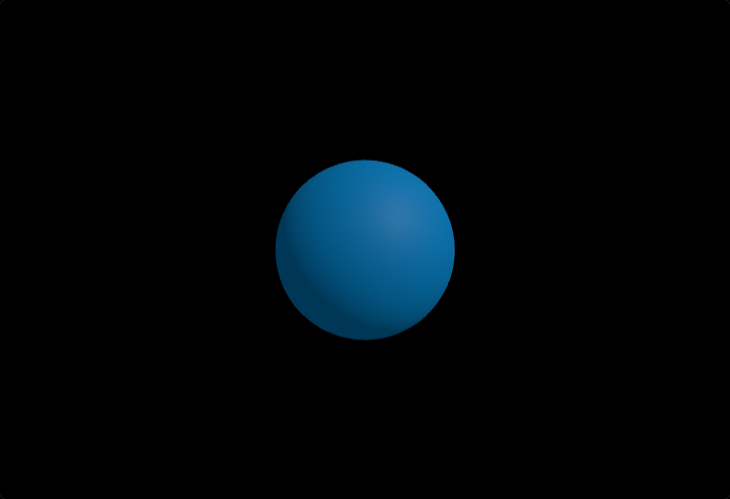
Ambient vs Directional Light in Three.js
Three.js lighting fundamentals demo comparing ambient fill light and directional key light on a shaded sphere to show contrast, shadow depth, and readable form.
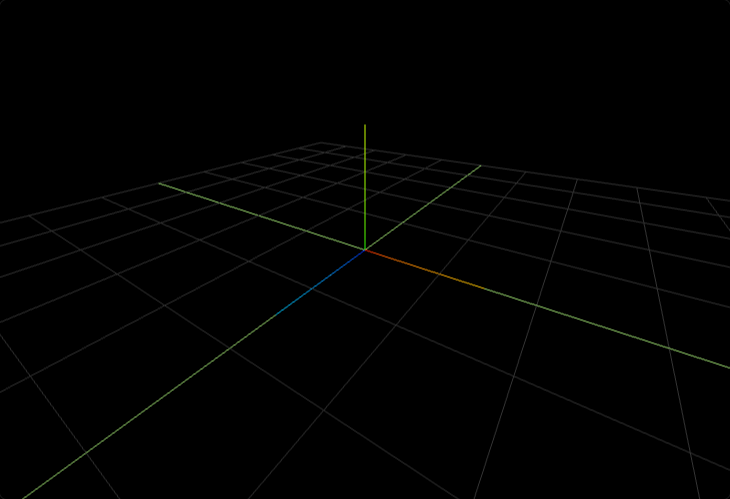
Three.js GridHelper + AxesHelper Demo
Three.js scene debugging demo using GridHelper and AxesHelper to visualize world orientation, unit scale, and object alignment while orbiting the camera.
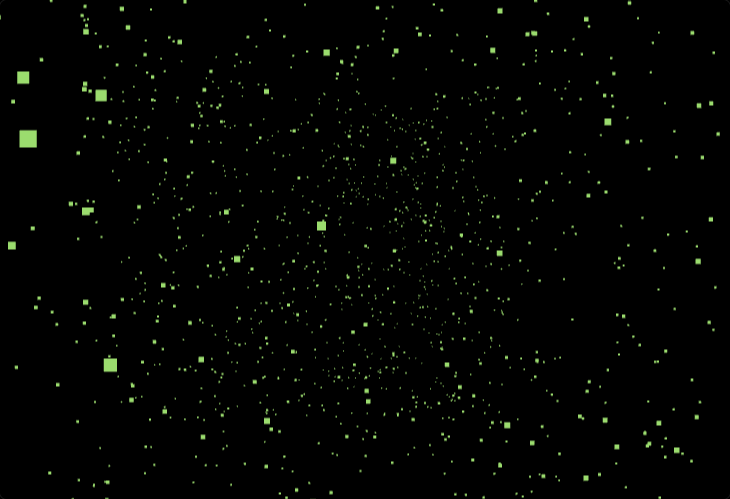
3D Point Cloud Visualization in Three.js
High-performance JavaScript 3D point cloud visualization built with Three.js BufferGeometry and PointsMaterial, demonstrating GPU-efficient rendering, per-vertex color, and interactive camera navigation.
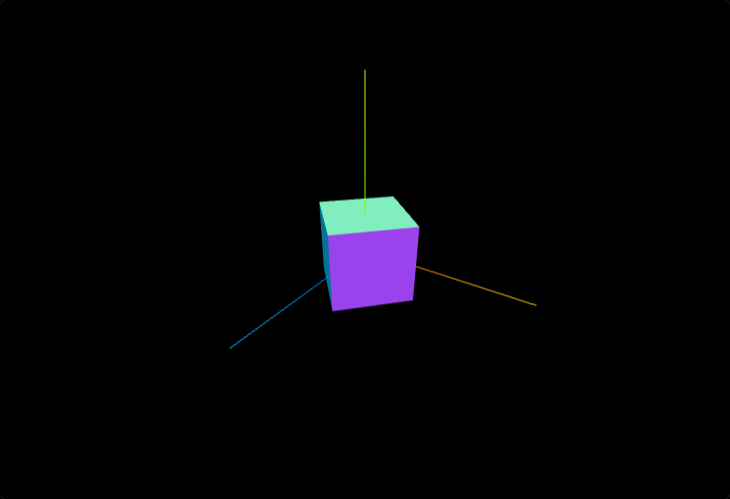
Orbit Controls + Axes Helper (Three.js)
Learn OrbitControls camera interaction with a rotating cube and AxesHelper reference, including pan, zoom, and orbit behavior for intuitive Three.js scene navigation.
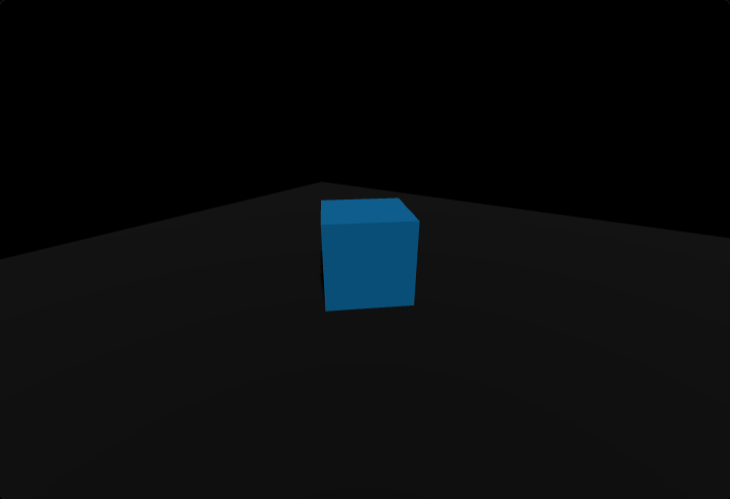
Three.js Plane Shadows (Cast & Receive)
Core Three.js shadow mapping demo showing how to enable renderer shadows, configure directional lights, and set cast/receive shadow flags on mesh objects for grounded scenes.
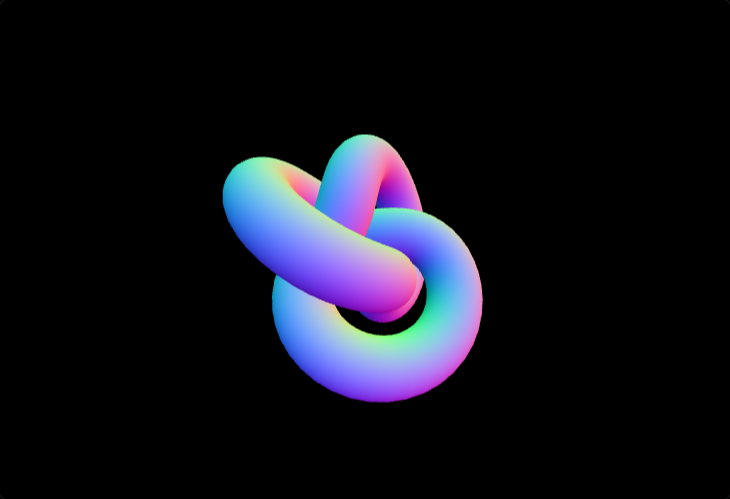
MeshNormalMaterial Demo in Three.js
MeshNormalMaterial debugging demo with a rotating torus knot that visualizes surface normals directly, helping diagnose topology, smoothing, and orientation issues.
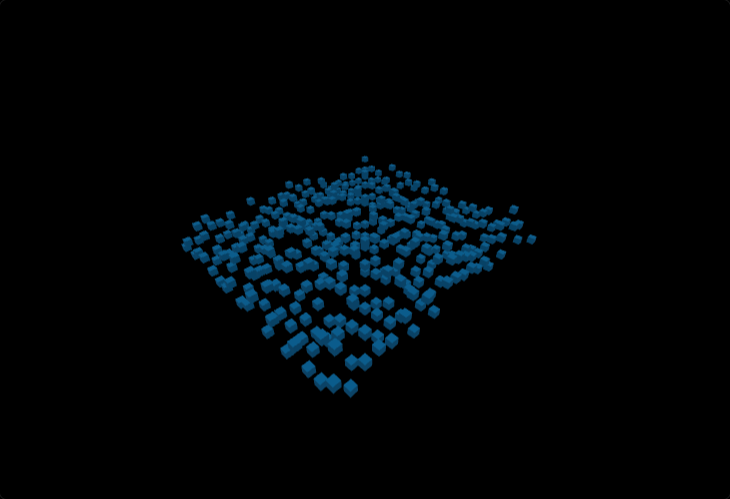
Three.js InstancedMesh Grid Demo
Performance-oriented Three.js instancing demo rendering hundreds of cubes in a grid using InstancedMesh and per-instance transforms for low draw-call overhead.
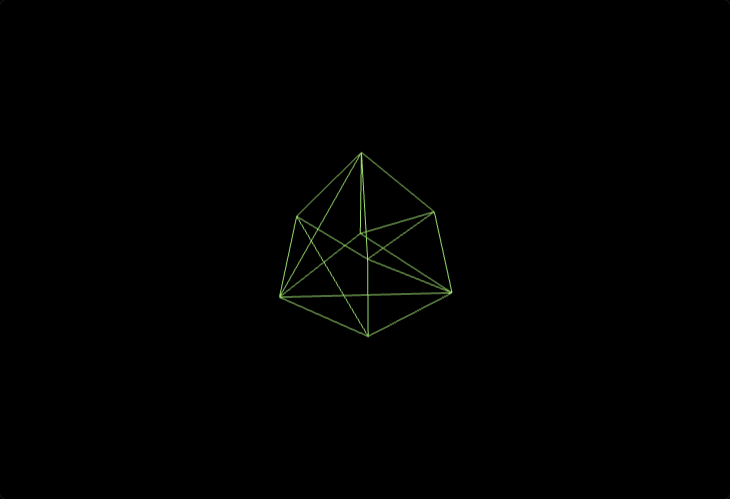
Three.js Box Wireframe Geometry Demo
Minimal wireframe cube example using MeshBasicMaterial to visualize triangle edges, geometry structure, and unlit rendering behavior in Three.js.
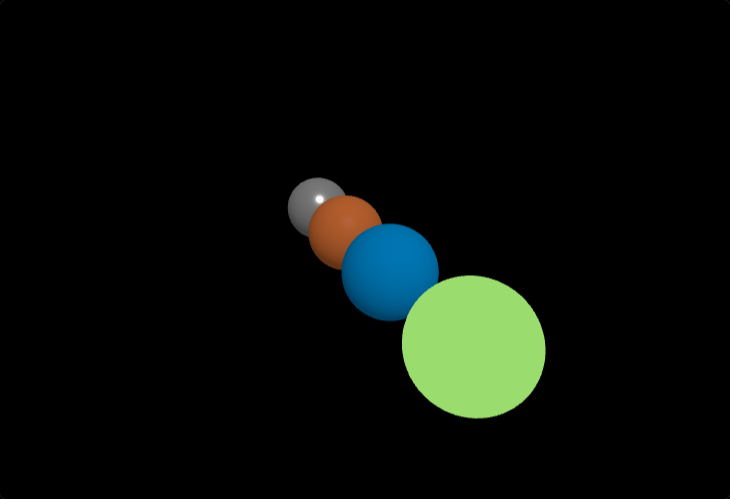
Three.js Materials Comparison Gallery
Side-by-side Three.js materials comparison across MeshBasicMaterial, MeshLambertMaterial, MeshPhongMaterial, and MeshStandardMaterial under shared lighting.
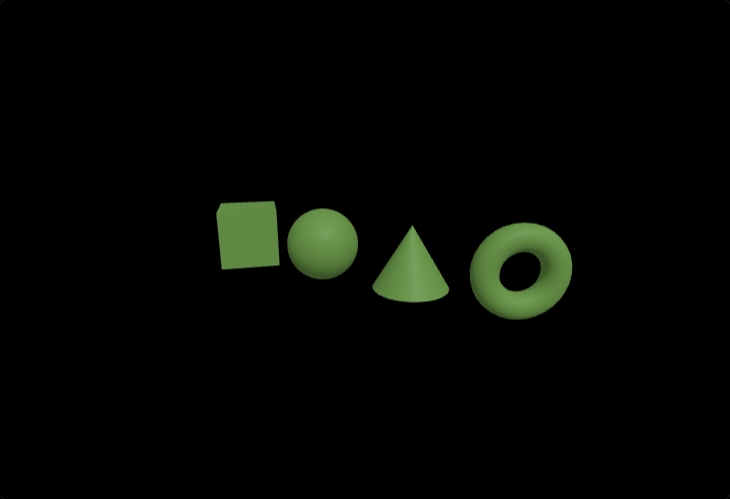
Three.js Primitive Geometries Showcase
Rotating Three.js primitive geometry showcase comparing box, sphere, cone, and torus meshes under consistent lighting and material settings.